Cricut

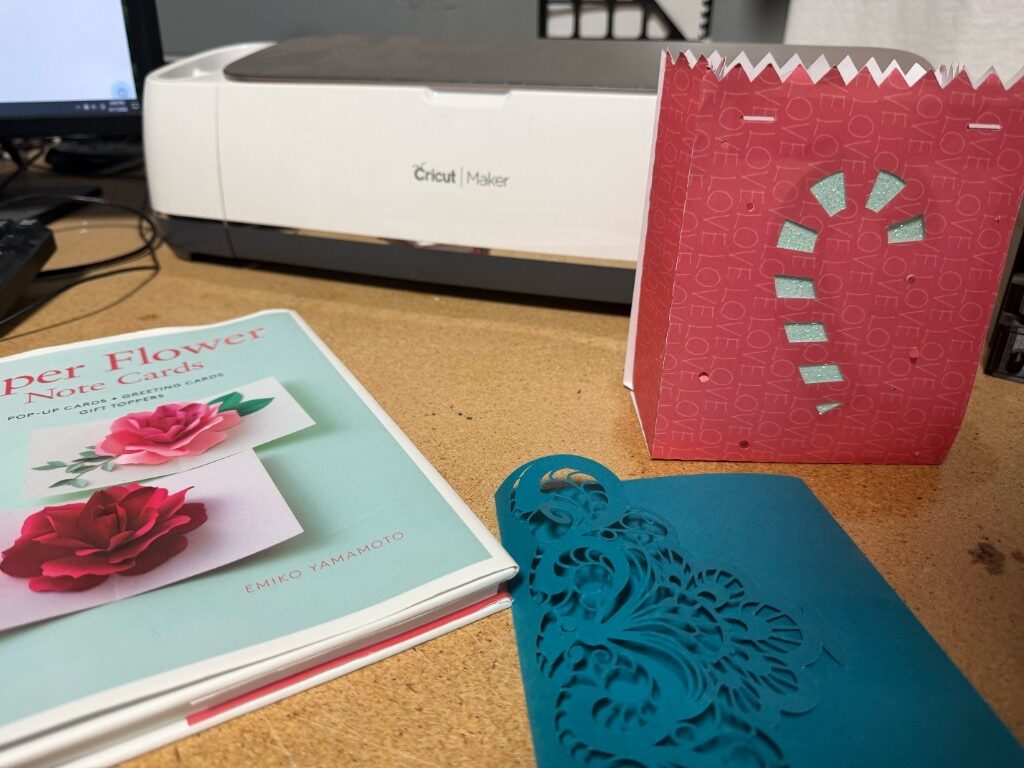
Our paper & vinyl arts work area features a Cricut Maker machine for cutting cardstock, adhesive and heat-transfer vinyl, stickers, magnets, fabric and more.

This area also houses an EasyPress heat press for applying heat transfer vinyl to fabric, a laminator for paper and cardstock, several paper cutters, and a mat cutter for picture framing.

If you have questions about this area, you can contact the area manager, Natasha Scott, at paperarts@rocmakers.org

Classes (members only)


Intro to Cricut Design Space and Heat Transfer Vinyl

Maximum Students: 4     Duration: 4.5 hrs     Prerequisites: None
Class description

This class will introduce you to the Cricut Maker and its software, Cricut Design Space. The Cricut is a versatile cutting machine with many crafting capabilities and luckily many, many how-to videos. Popular projects include cutting stickers, iron-on vinyl transfers, custom labels, and intricate cards. This class will show the basics so you can get started on your specific projects.

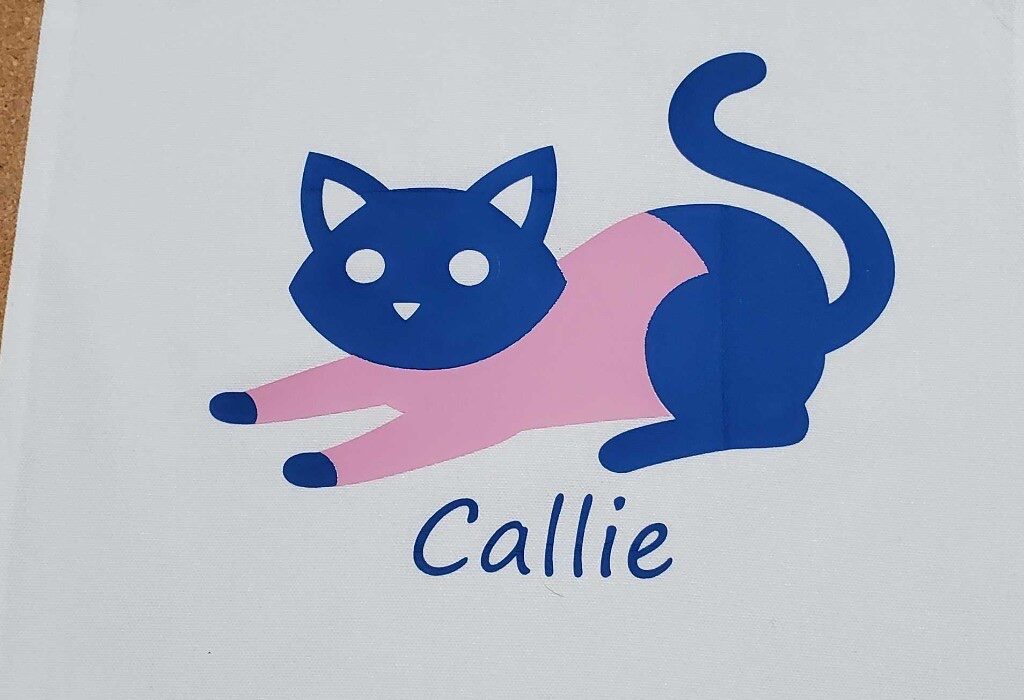
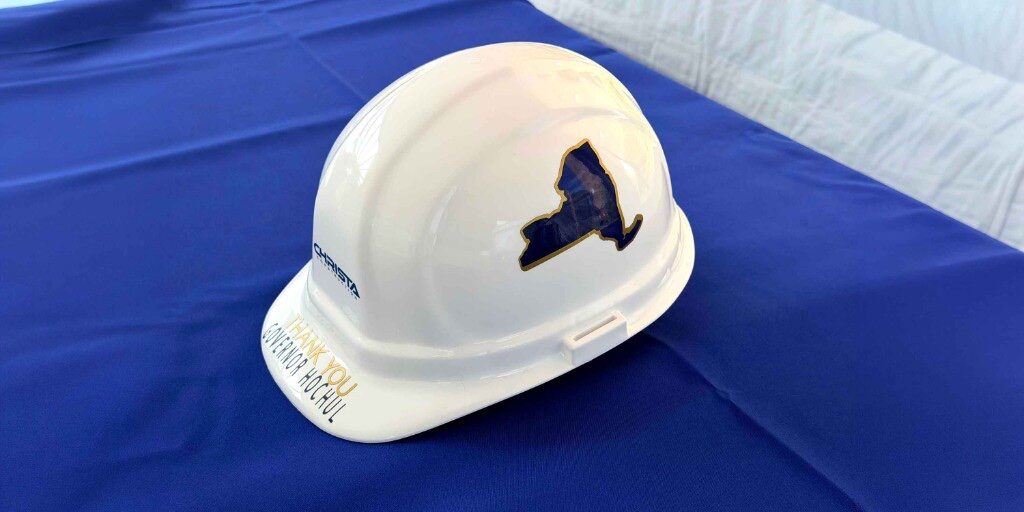
The instructor will guide participants through the full process of creating heat-transfer vinyl (HTV) projects. Heat transfer vinyl can be used to customize your own shirts, totebags and other fabric items with logos and images. Students will learn how to make their design in Cricut Design Space software, select the correct HTV settings, mirror and cut their designs, and weed their vinyl cutouts with confidence. The session concludes with hands-on heat pressing, where participants will apply a finished design to a heat-sustainable item such as a totebag provided by Makerspace. Alternately, students may purchase a t-shirt from the instructor for $5 (a limited selection of sizes and colors available). This class will enable anyone to create polished, professional-looking HTV projects!


Go to Classes Page